• Home
  • Crafts
    • Wreaths
    • Back to School Crafts
    • Christmas Crafts
    • Father’s Day Crafts
    • Fourth of July Crafts
    • Halloween Crafts
    • Kid’s Projects
    • Mother’s Day Crafts
    • Thanksgiving Crafts
    • Valentine’s Day Crafts
  • Recipes
    • Christmas Recipes
    • Fourth of July Recipes
    • Halloween Recipes
    • Thanksgiving Recipes
    • Appetizers
    • Beverages
    • Breakfast
    • Dessert
    • Main Dish
    • Side Dish
    • Soups & Salads
    • Snacks
  • Freebies
    • Back to School Printables
    • Christmas Printables
    • Father’s Day Printables
    • Fourth of July Printables
    • Halloween Printables
    • Mother’s Day Printables
    • Thanksgiving Printables
    • Valentine’s Day Printables
  • xTool
  • About
    • About CCL
    • Privacy Policy
    • Disclosure
    • Contact Us
    • Email
    • Facebook
    • Instagram
    • Pinterest
    • RSS
    • Twitter

Create Craft Love

May 20, 2019 ·

Under the Sea Coloring Page | Cricut Draw Function

Cricut Projects

  • Facebook
  • Twitter

This post may contain affiliate links. See my disclosure policy for more details.

Use your Cricut machine to create this Under the Sea Coloring Page!
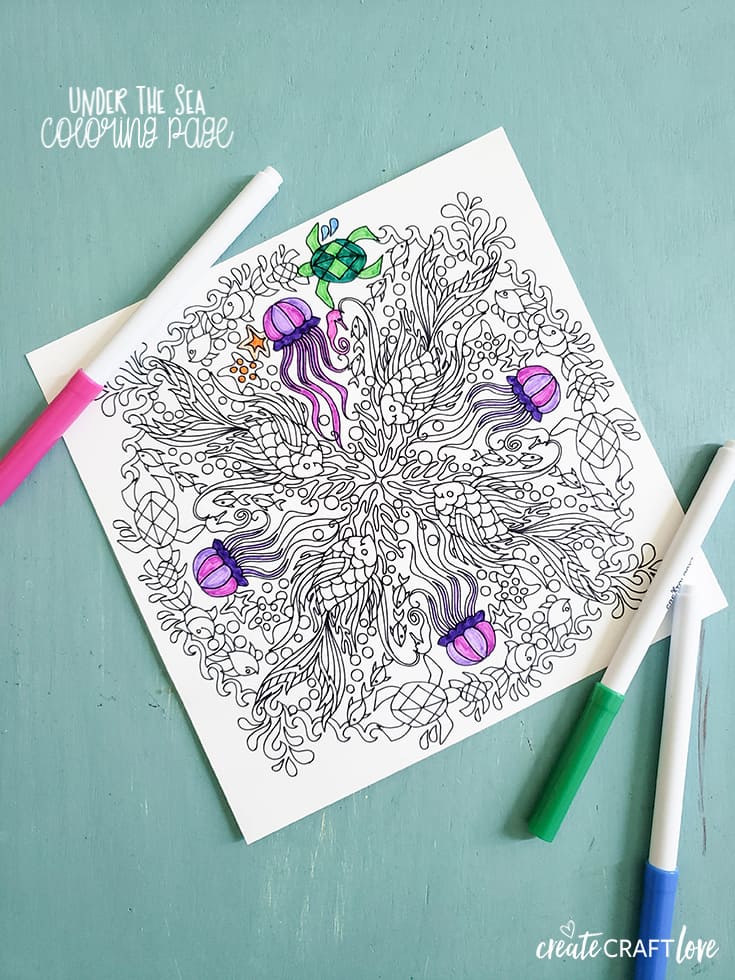
Did you know your Cricut can make this Under the Sea Coloring Page? #cricut #cricutemade

Did you know your Cricut can DRAW?!  Check out the detail work on this Under the Sea Coloring Page?  The cool part is is LOOKS drawn and not just printed.  

You can use the draw feature or writing palette with any image in Design Space.  Simply choose the layer you want to draw.  Click the layers icon and change it to the pen.  BOOM!  It’s that easy!

This post contains affiliate links for your convenience.

Materials needed to create the Under the Sea Coloring Page

Cricut Explore or Maker
White cardstock
Light grip mat
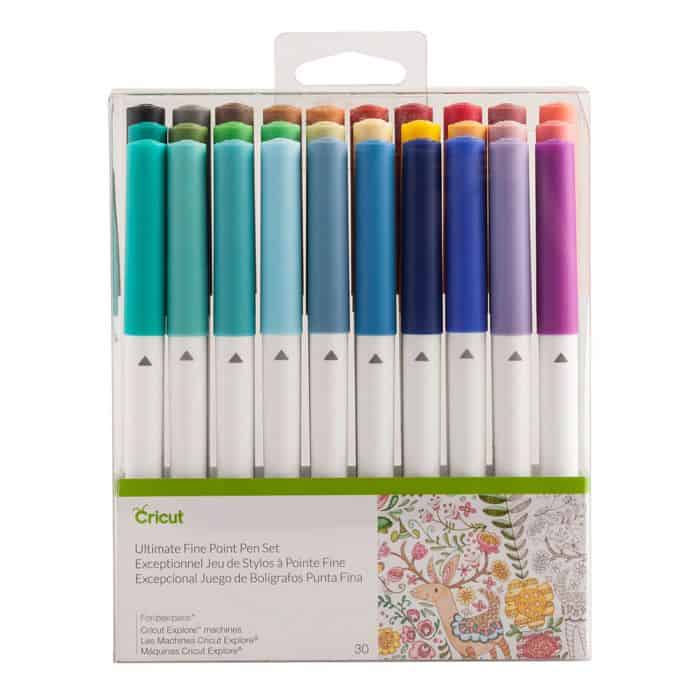
Ultimate Fine Point Pen
Basic tool set
Fine point blade

Images used for this project:

Under the Sea Coloring Page #M208A990

Open image in Design Space.  Size the image to fit your cardstock.  Send the coloring page image to cut.  Place cardstock on the light grip mat and load.  Uncap and load your pen into clamp A of the tool system on the machine.  Proceed with draw/cut.
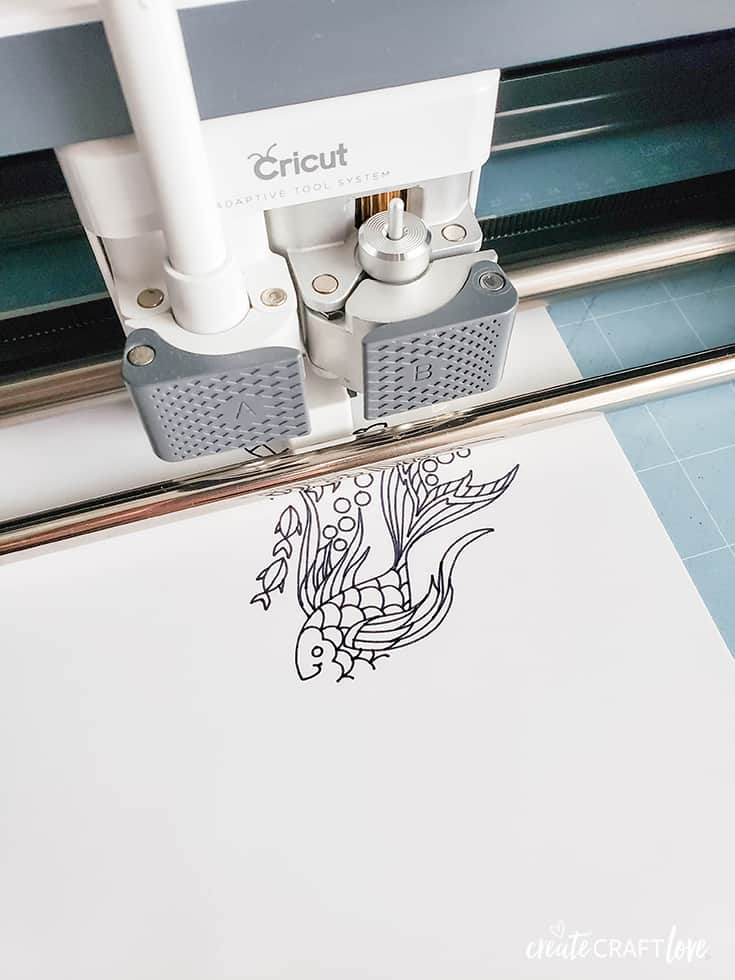
using the draw feature on cricut for under the sea coloring page

It is so cool to watch it unfold.  The drawing is a work of art!  It does take longer than printing but like I said before but delivers an amazing handmade look that you cannot get from printing.

This specific image will cut around the edge of the image to deliver a square page.  You can use the contour function in Design Space to delete the cut line.
Cricut has an ARRAY of colored pens to use with the machine!  This pack is my favorite because you get a little of everything!
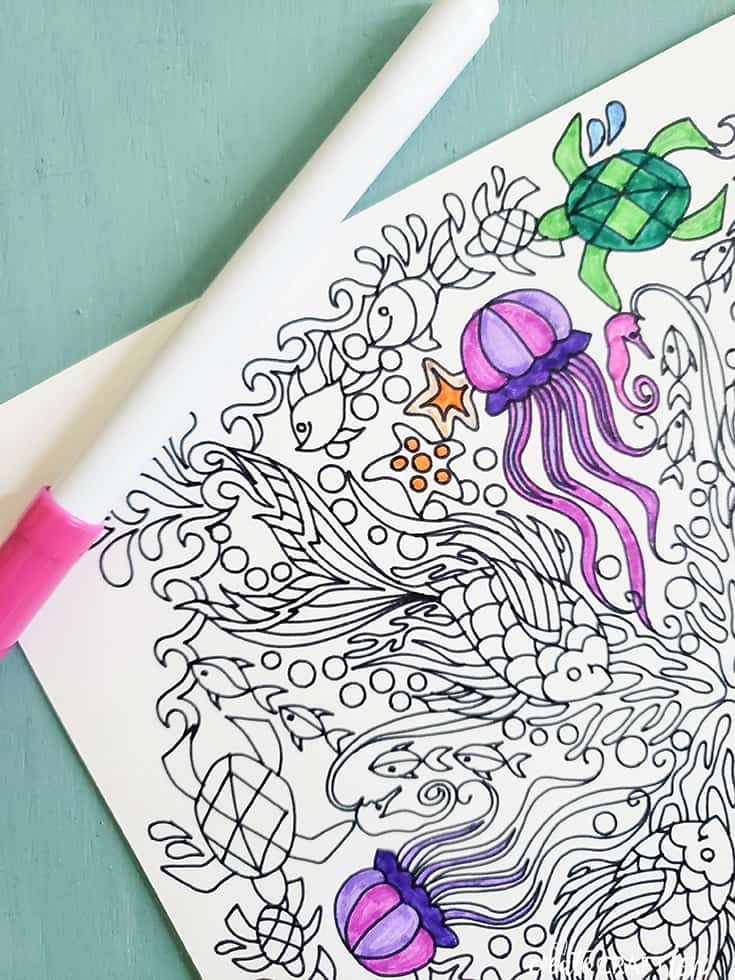
Doesn’t that look amazing!?  I love how this Under the Sea Coloring Page turned out.  I wish I could draw like that!  Have you tried using the draw function?

Now I’m off to finish my coloring project…
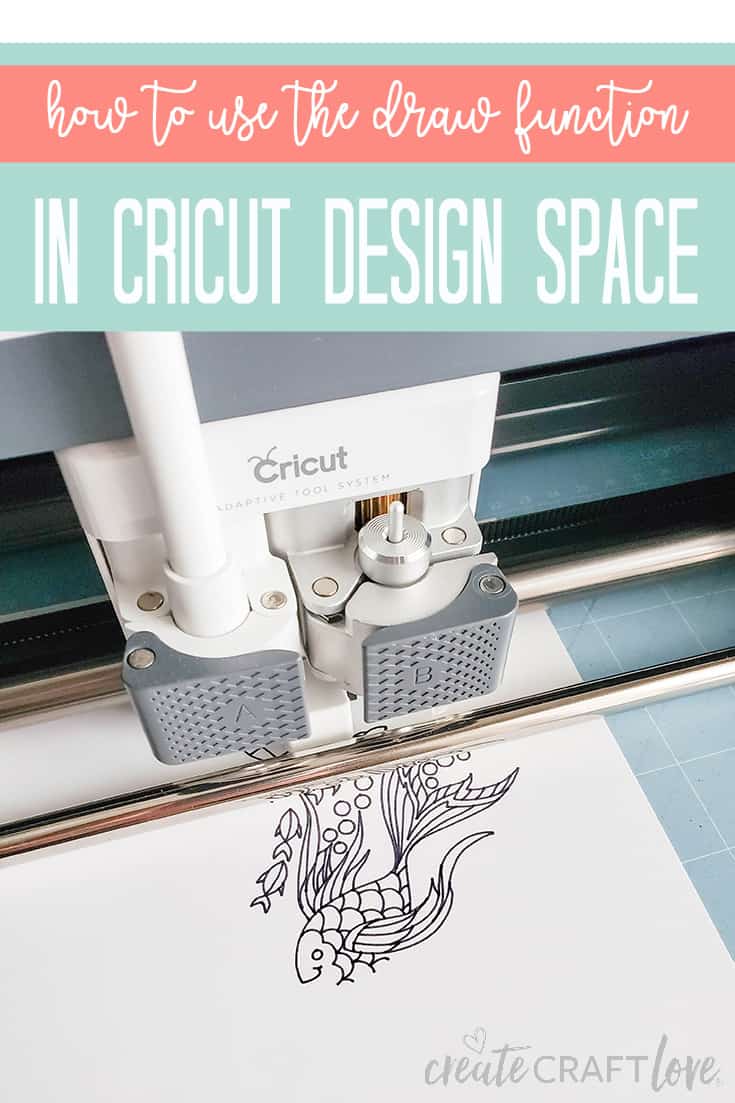
How to use the draw function in Cricut Design Space


About Us

We are passionate about sharing simple, fun DIY projects that anyone can tackle—whether you're a seasoned crafter or just getting started. From seasonal décor to everyday crafts, we love inspiring others to make something beautiful with their own two hands.

« Baseball Love Shirt | Free SVG File
Scavenger Hunt Printables for Kids »

Popular Posts

Winter Decorations for After Christmas
This Gold Leaf Mason Jar Vase is keeping with the trends this spring! #spring #gold #goldleaf #masonjars

HALLOWEEN

This Snapchat Filter Halloween Costume is a an EASY DIY idea for the upcoming festivities!
These Candy Apple Recipes put a modern spin on a fall dessert classic! 

THANKSGIVING

I thought it would be fun to tie in the garland and made these pretty Paper Leaf Napkin Rings! via createcraftlove.com

CHRISTMAS

Wooden Nordic Christmas Ornaments #christmas #christmascrafts #cricut
Dress up your holiday table with these Holiday Dinner Chargers! via createcraftlove.com
© 2019 · Create Craft Love·
  • Pinterest
  • Facebook
  • Twitter
